


Examples gallery#
The EEGDash gallery is the runnable, narrative half of the docs: the Concepts chapter explains why a decision matters, the API reference enumerates every public symbol, and the gallery you’re reading shows the choices in motion against real BIDS-curated EEG records. Every script under examples/ is a sphinx-gallery tutorial – meaning it executes top to bottom on every documentation build, and the captured first figure is the thumbnail you see below.
The intended path: read the curated Tutorials in order, dip into How-to recipes when you have a specific question, then scale up using the Applied research projects, the EEG2025 and EEG2026 Foundation Challenges pipelines, and the High-performance computing track.
How to read this gallery
Reading order. Tutorials are sorted by category and numbered (
plot_00_*,plot_10_*, …). Inside a category they’re sequenced beginner-first; the file numbers are the intended path.Cards show the captured first figure. Sphinx-gallery stores the first
matplotlibfigure as the thumbnail, so the card preview is the literal output of running the script. A branded fallback is shown when the tutorial produces no figure.Difficulty. Each section header states the difficulty range (1 = absolute beginner, 3 = advanced / foundation-model tier).
Tutorials (curated learning path)#
Seven categories, ordered the way we would teach them: install, load, decode events, decode state, engineer features, evaluate rigorously, then scale to transfer and foundation models.
Choose your path#
Your goal |
Start with |
Then read |
|---|---|---|
Load my first dataset |
||
Train a classifier safely |
||
Extract classical features |
||
Run on a cluster |
||
Join EEG2025 |
||
Prepare for EEG/EMG 2026 |
Start with the absolute beginner tutorials.
Dive into real-world research case studies.
Move from local scripts to cluster-wide jobs.
Run the four announced track companions.
Start Here#
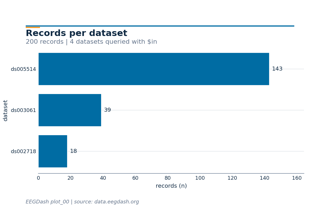
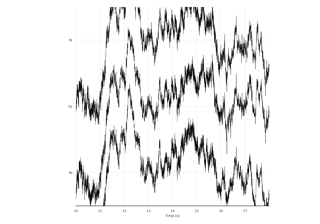
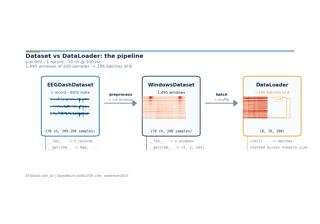
Difficulty 1. Three short lessons that take you from a fresh install to a working PyTorch DataLoader over real EEG records: find datasets and records, load one recording and inspect it, then turn an EEGDashDataset into windows and a dataloader. CPU-only, each runs in under a few minutes.
Core Decoding Workflow#
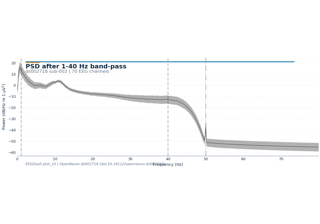
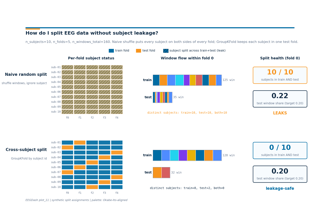
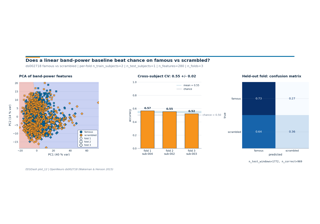
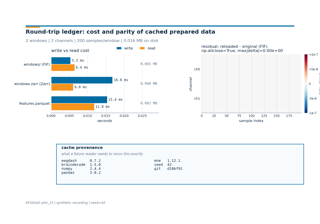
Difficulty 1-2. The canonical EEG decoding pipeline in four lessons: preprocess and window, split without subject leakage, train a baseline against chance, and persist prepared data for reuse. The leakage-safe split lesson is the rubric anchor for E3.27 invariants and Cisotto and Chicco 2024’s evaluation guidance.
Event-Related Decoding#
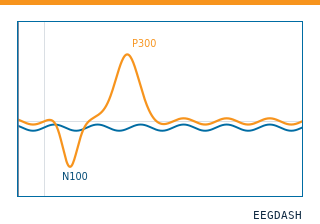
Difficulty 2. Two lessons that decode labels coming from events and annotations rather than continuous state: a P3 target-versus-standard classifier on a visual oddball paradigm, then the auditory oddball framed as a contrast with the visual case.
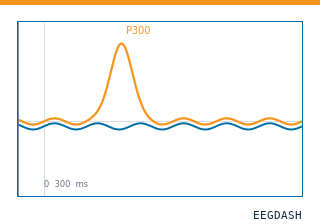
Visual P300: from real events to held-out predictions
Resting-State and State Decoding#
Difficulty 1. The canonical beginner decoding lesson: eyes-open versus eyes-closed classification on resting-state EEG, decoded from alpha-rhythm differences with a band-power baseline.
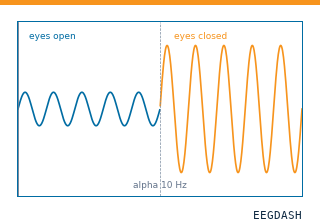
Decode eyes open and eyes closed from recorded resting EEG
Feature Engineering#
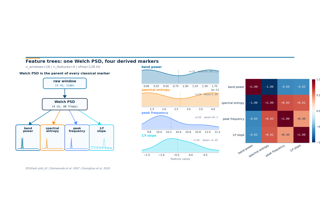
Difficulty 1-2. EEGDash’s feature extraction package as a first-class option, not an afterthought to deep learning. Three lessons cover feature tables from windows, preprocessor and dependency trees that avoid recomputation, and a scikit-learn / LightGBM baseline straight from the feature table.
Evaluation and Benchmarking#
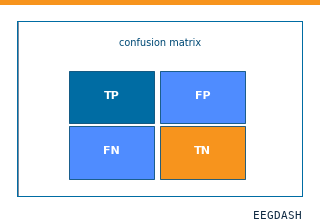
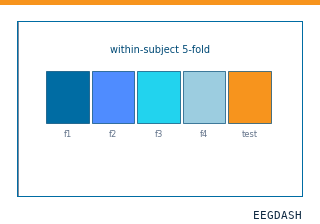
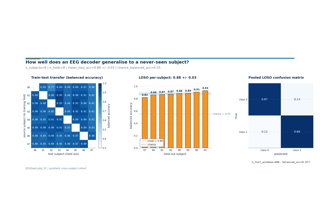
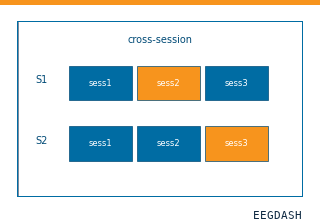
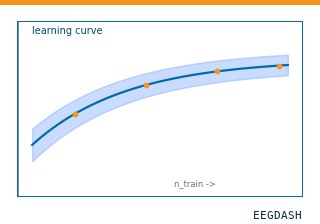
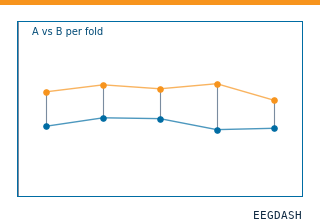
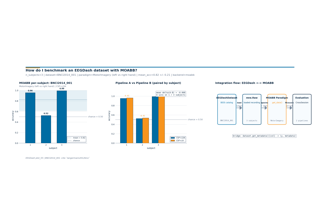
Difficulty 2-3. Five lessons that treat decoding evaluation as a core skill, drawing on MOABB (Chevallier, Aristimunha et al. 2024). Builds from a single split toward benchmark-grade pipeline comparison: within-subject, cross-subject, cross-session, learning curves, and a paired Wilcoxon comparison of two pipelines.
Transfer, Foundation Models, and EEG2025#
Difficulty 3. Six advanced lessons on transfer learning and foundation-model fine-tuning, framed around the EEG2025 Foundation Challenge: EEGChallengeDataset basics, cross-task transfer (Challenge 1), participant-level p-factor regression, fine-tuning a Braindecode pretrained model, and adapting the published REVE checkpoint. Builds on Schirrmeister et al. 2017.
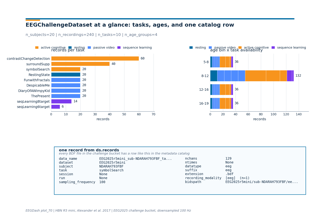
Which recordings belong to an EEG2025 mini release?
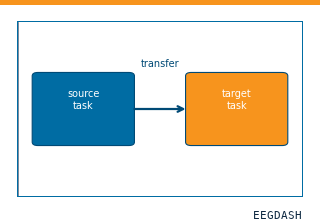
Does resting-state pretraining transfer to reaction time?
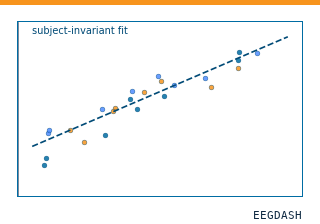
How do I evaluate participant-level p-factor regression?
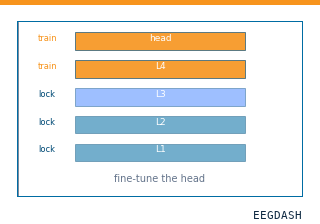
How do I fine-tune a published pretrained EEG encoder?
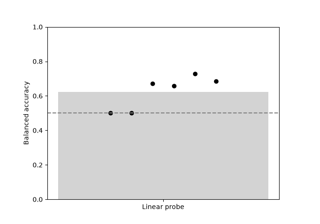
How do I adapt a pretrained EEG encoder with a linear probe?
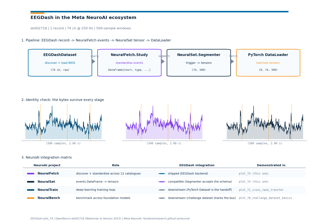
How do I export recorded EEG for NeuroAI interoperability?
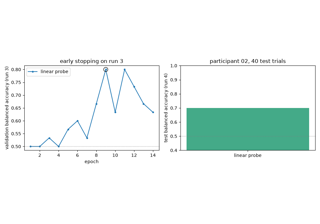
How do I fine-tune a published EEG foundation model (REVE)?
How-to recipes#
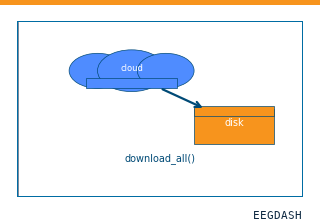
Task-focused snippets that assume you already know the basics: how to download a dataset, run preprocessing on SLURM, parallelize feature extraction, use the HPC cache, and work offline. Each guide answers a single question; cross-link with the HPC track when relevant.
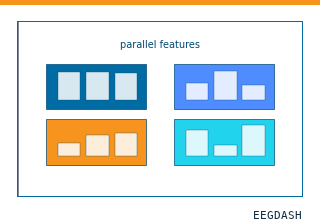
Measure parallel feature extraction on recorded EEG
Open a staged recording in an independent offline process
Applied research projects#
Project-style examples that target a concrete scientific question – age regression, p-factor prediction, sex classification, P300 transfer, clinical-catalog summary – with realistic data sizes, runtimes, and limitations. Treat them as starting points, not prescriptive recipes.
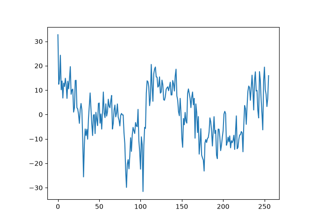
Predict observed age (years) from real EEG features
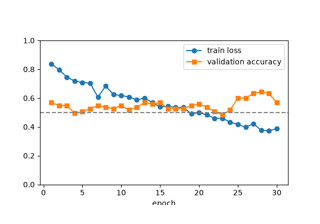
Exploratory eye-state decoding in an outcome-selected participant
Familiar vs unfamiliar faces with EEGPrep and ShallowFBCSPNet
P300 transfer between participants with MMD adaptation
Regress observed p-factor with a neural EEG decoder
EEG2025 Foundation Challenge#
End-to-end pipelines for the two EEG2025 Foundation Challenge tracks: cross-task transfer learning (passive to active), and participant-held-out externalizing prediction. Both tutorials fit small baselines on real challenge recordings.
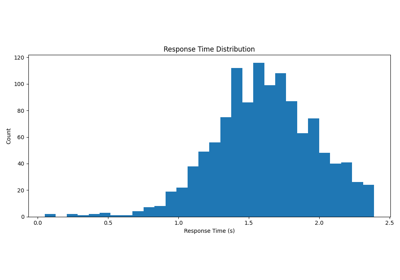
EEG2025 Challenge 1: predict observed reaction time
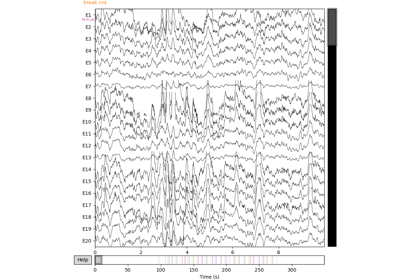
EEG2025 Challenge 2: a real participant-level baseline
EEG/EMG Foundation Challenge 2026#
Runnable EEGDash companions for the four announced 2026 tracks: EEG-to-image retrieval, cross-session BCI decoding, sleep-onset regression, and EMG-to-pose regression. Each tutorial uses recorded public data and points to NeuralBench for official execution and scoring.
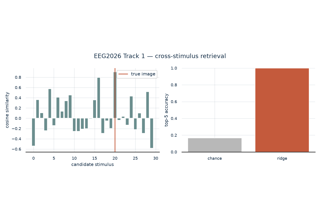
Track 1: retrieve actual viewed images from recorded EEG
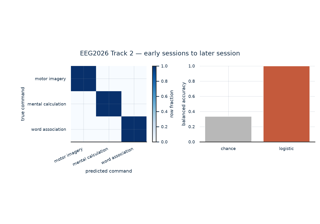
Track 2: a public motor-imagery warm-up for session transfer
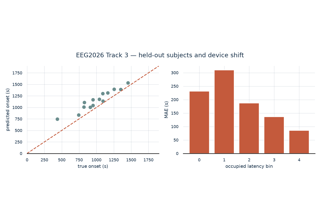
Track 3: predict time remaining until the first N2 epoch
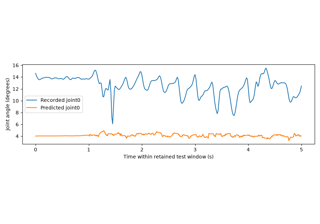
Track 4: predict real hand-joint trajectories from wrist EMG
High-performance computing#
Reference setup for running EEGDash on shared HPC clusters: SLURM submission scripts (CPU and GPU), a Dockerfile, and a tutorial showing how to combine the on-disk cache with batch scheduling for an eyes-open / eyes-closed run.
Eyes-open versus eyes-closed decoding on a cluster