


HPC tutorials#
Run real HBN eyes-open/eyes-closed classification with a persistent cache
and Slurm. The default loads three participants from ds005514 and holds
one participant out. Acquisition or label failures stop the job.
tutorial_hpc_cache_and_slurm.py contains the full recorded-data neural
workflow. run_eoec_cpu.slurm and run_eoec_gpu.slurm submit that exact
script from the repository root. Configure your site’s account, partition
and Python environment before submission; administrator access is not needed.
instructions.md describes environment setup and optional containers.
HBN files are substantially larger than the small CI SSVEP cohort. Stage and inspect the selected recordings before allocating expensive compute. The example does not implement shared preprocessing caches or Slurm arrays.
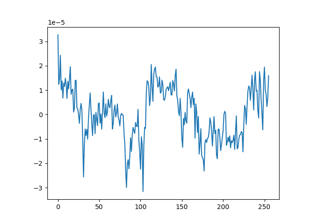
Eyes-open versus eyes-closed decoding on a cluster